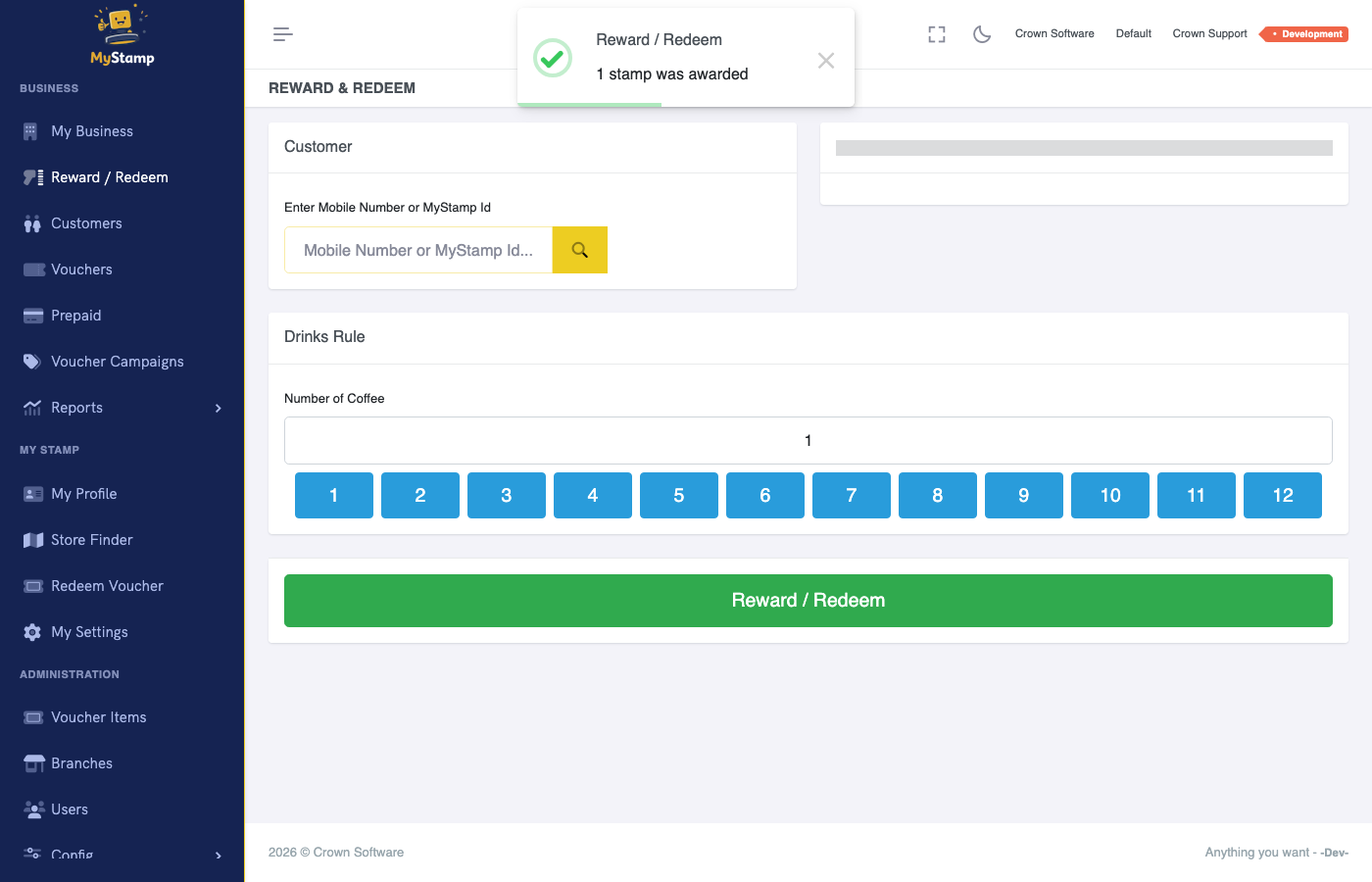
Before you start
- Customer must be registered or identifiable.
- Staff member must be logged in.
- A reward rule must be active.
Steps
1
Ask for MyStamp details
Ask the customer for their QR code or phone number before finishing the transaction.
Make this part of the normal checkout habit.
2
Load the customer
Search or scan and confirm the displayed customer is correct.
A wrong customer means the wrong person earns the reward.
3
Choose award or redeem
If the customer is still earning, award the stamp. If the reward is available and they want to use it, redeem it.
Awarding and redeeming are different actions.
4
Confirm the result
Tell the customer what happened: You now have 5 of 8 stamps, or Your free coffee has been redeemed.
Customers trust the system when staff confirm progress.
Success check
- Transaction appears completed.
- Customer progress changes immediately.
- Redeemed rewards are no longer available to reuse.
Common mistakes
- Redeeming outside MyStamp and leaving the voucher active.
- Awarding multiple stamps by accident.
- Not confirming progress with the customer.